JonbobTV
A downloadable tool
https://claude.ai/artifact/4nBMCLTsJkAupzVVTKTjKa
https://discord.com/channels/1566195756543643709/1566195757076193333
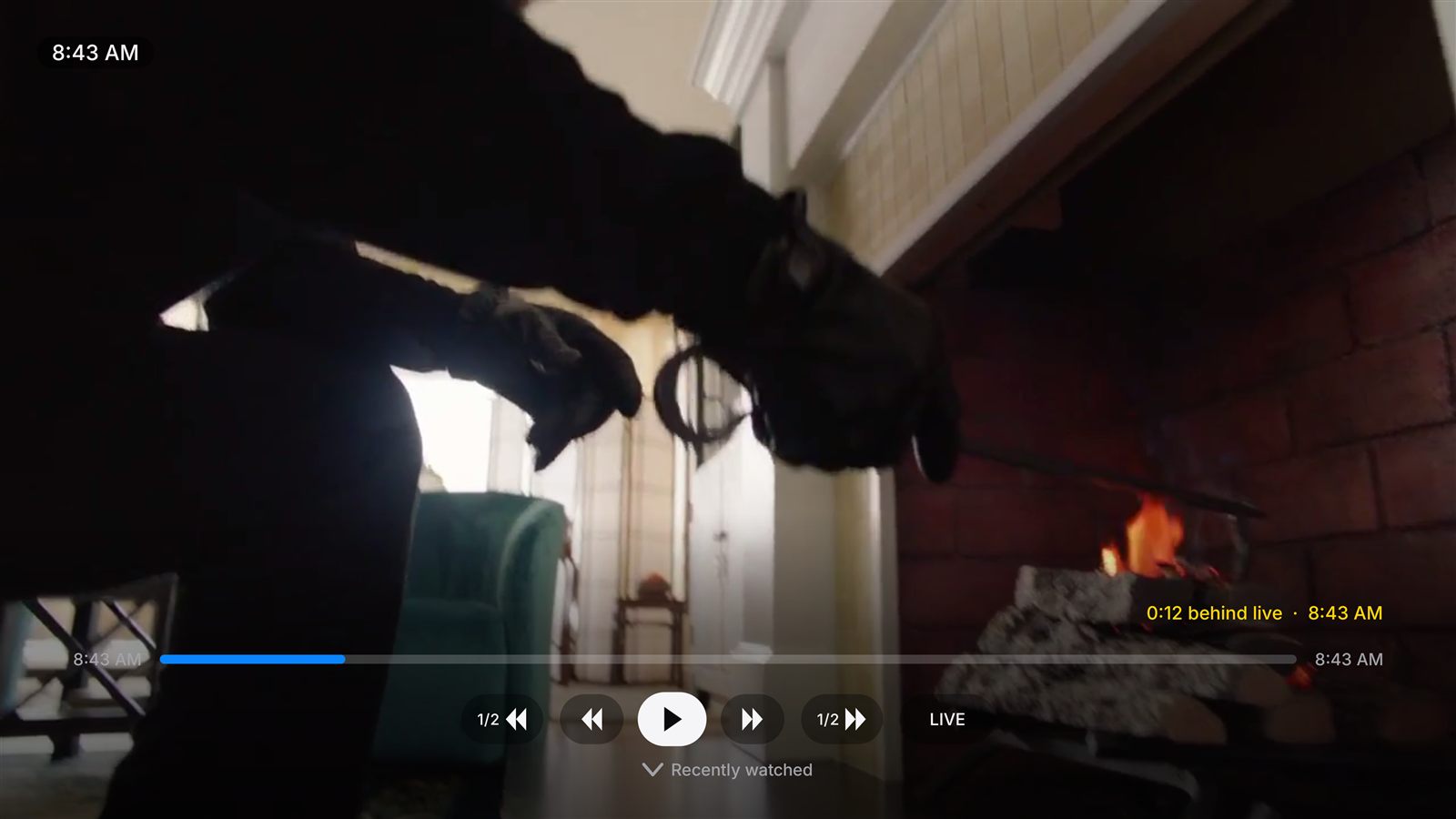
- True pause and rewind on live TV: pause, rewind, fast-forward and slow-motion on any channel, kept on the TV itself, so you can step away or replay the big play without your provider's catch-up.
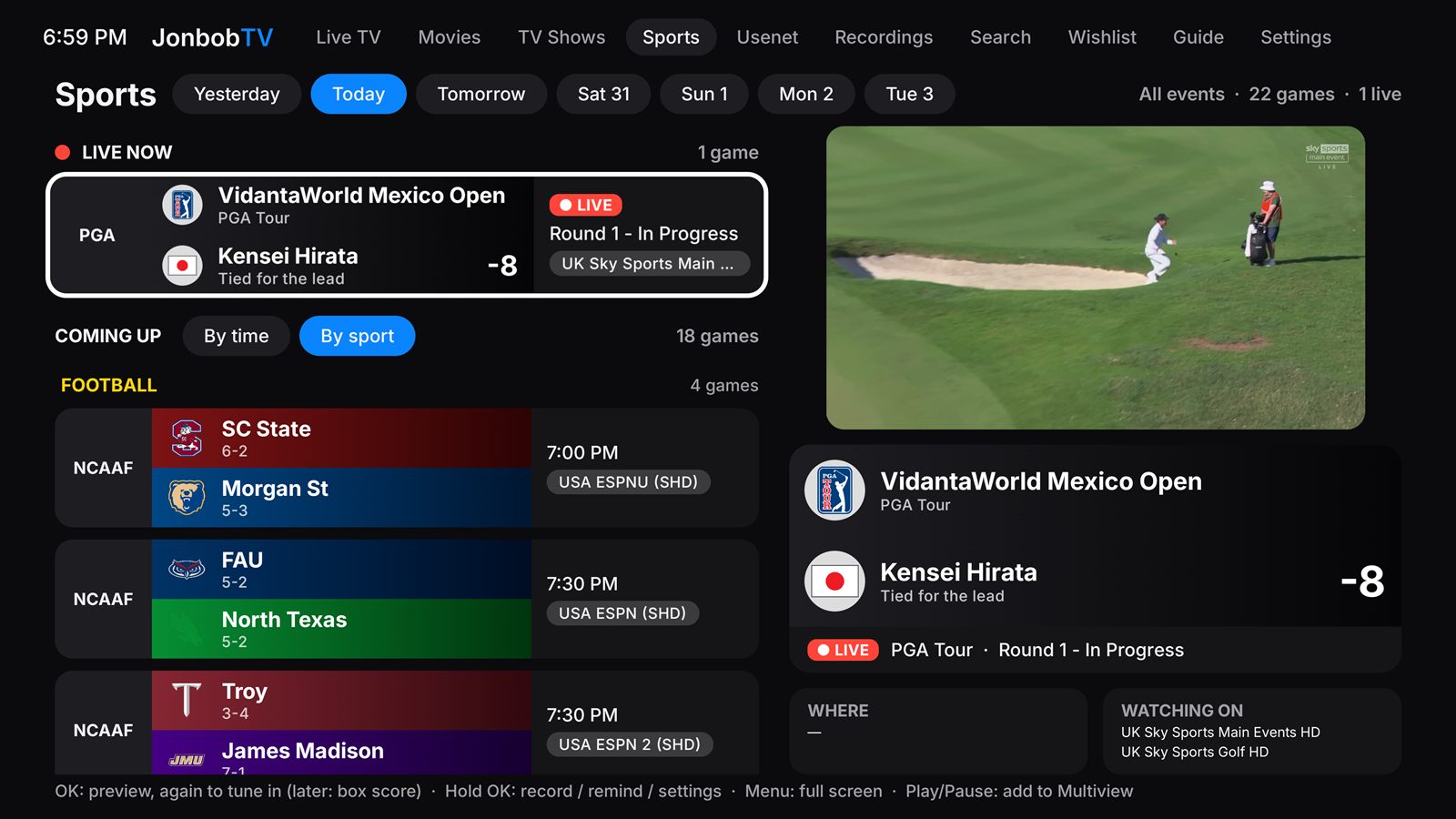
- Live box scores over the game: the score, player stats and team stats on top of the picture, from the Sports tab with every game of the week in team colors, and "Watch this game" finds every channel showing it. Golf gets a full leaderboard.
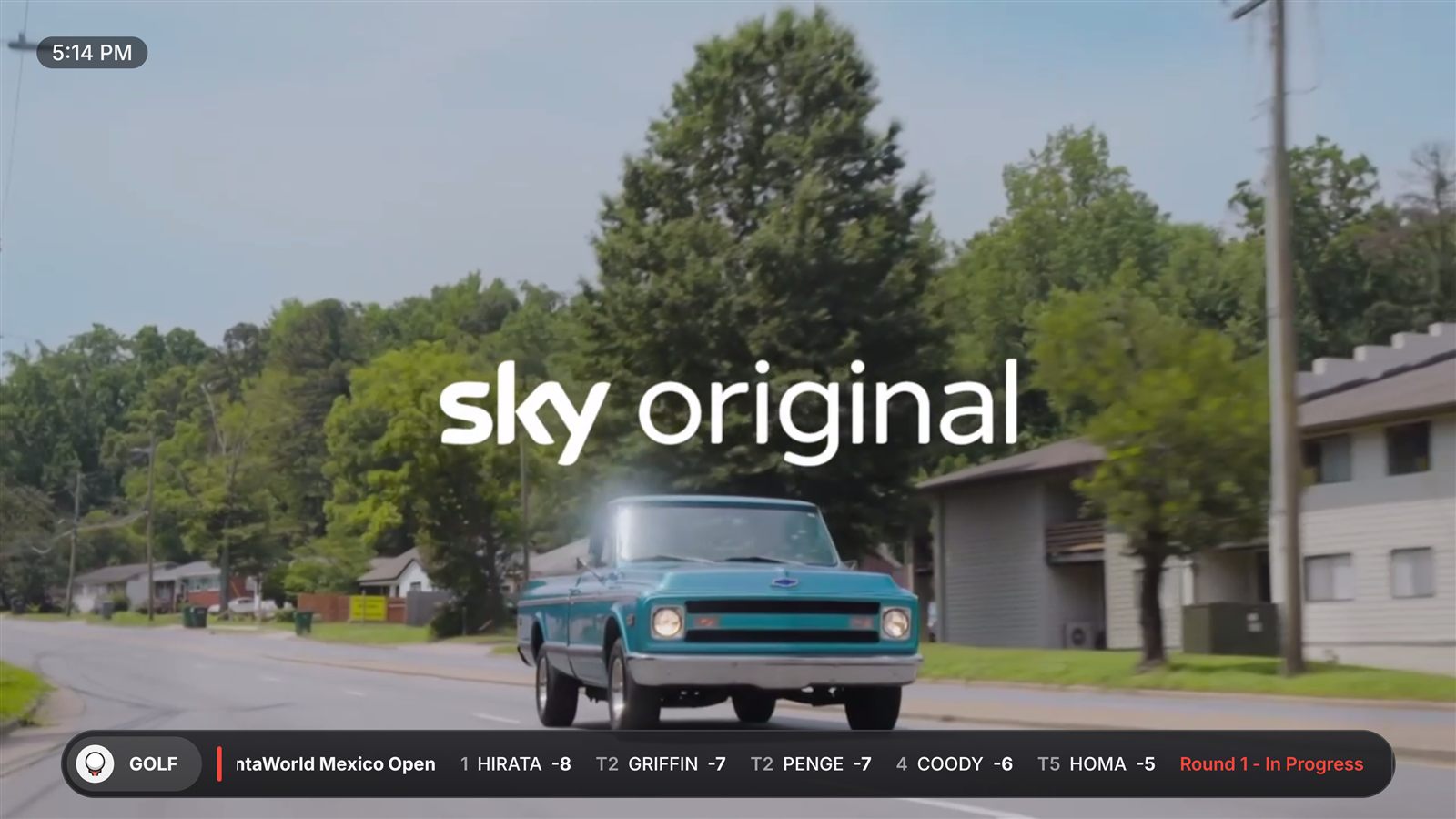
- A sports ticker across live TV: scores league by league with each team's record, top players and the betting lines, top headlines, and pop-ups before your teams play and at each quarter, half and the final.
- Remote Scheduling: record from your phone anywhere, on a page the TV serves on your Wi-Fi or by ticking Record in a guide sheet in Google Sheets, with recordings copied to your Google Drive if you like.
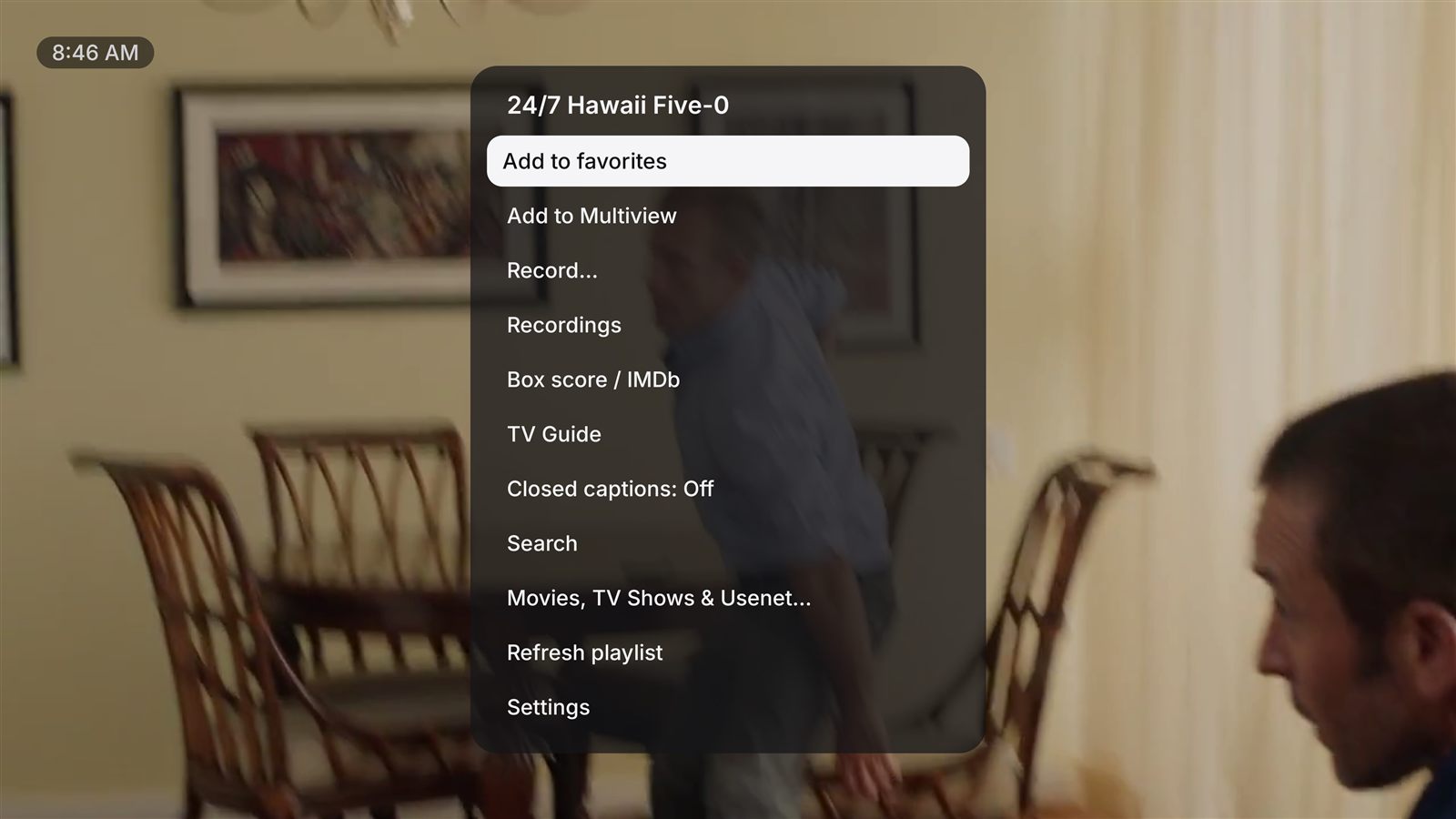
- Recordings, reminders and the Wishlist: record or set a reminder from the guide, Sports or the Wishlist, to the TV, a USB drive or a network folder; the Wishlist tells you the moment an actor, movie, show or keyword turns up.
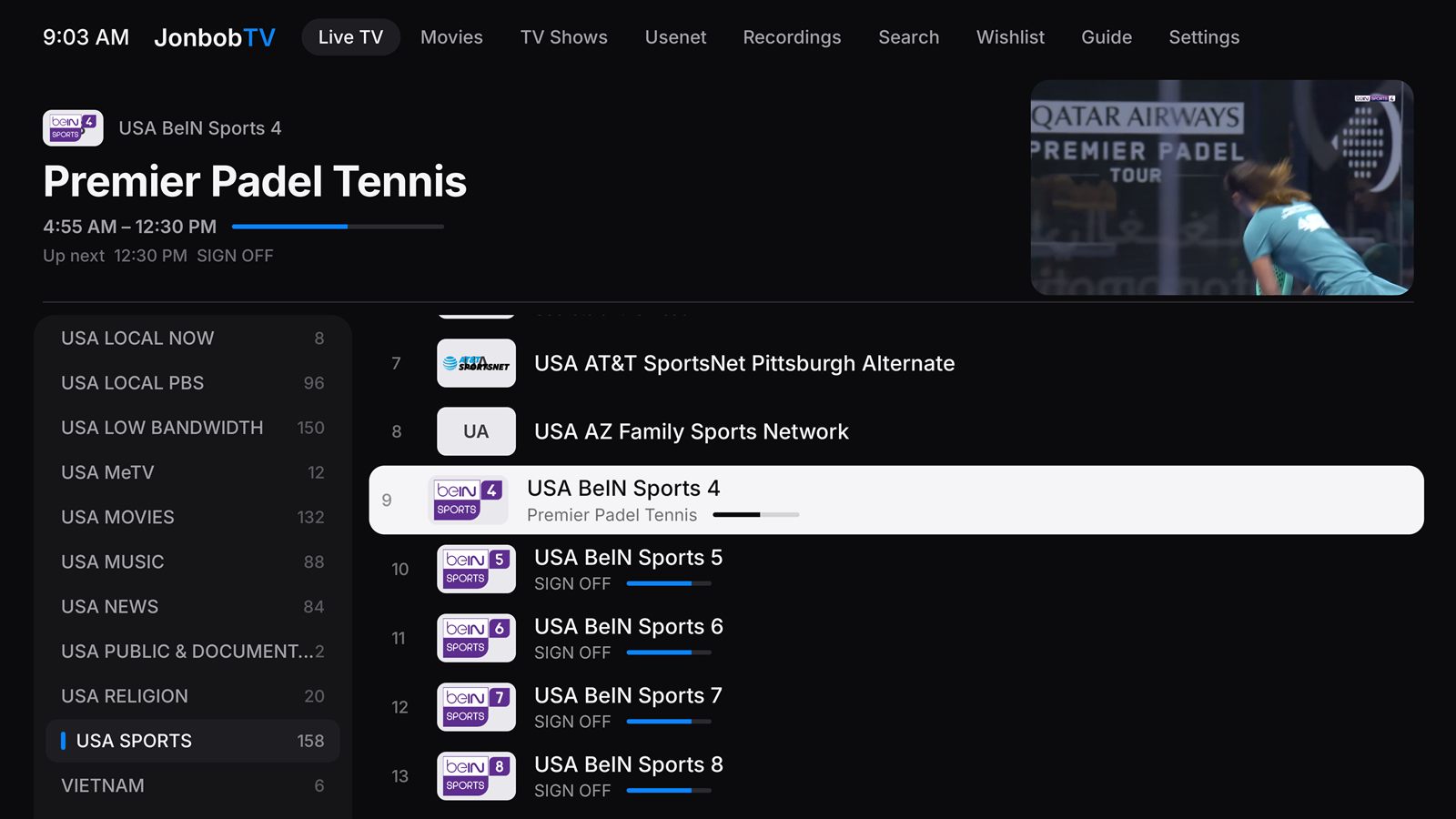
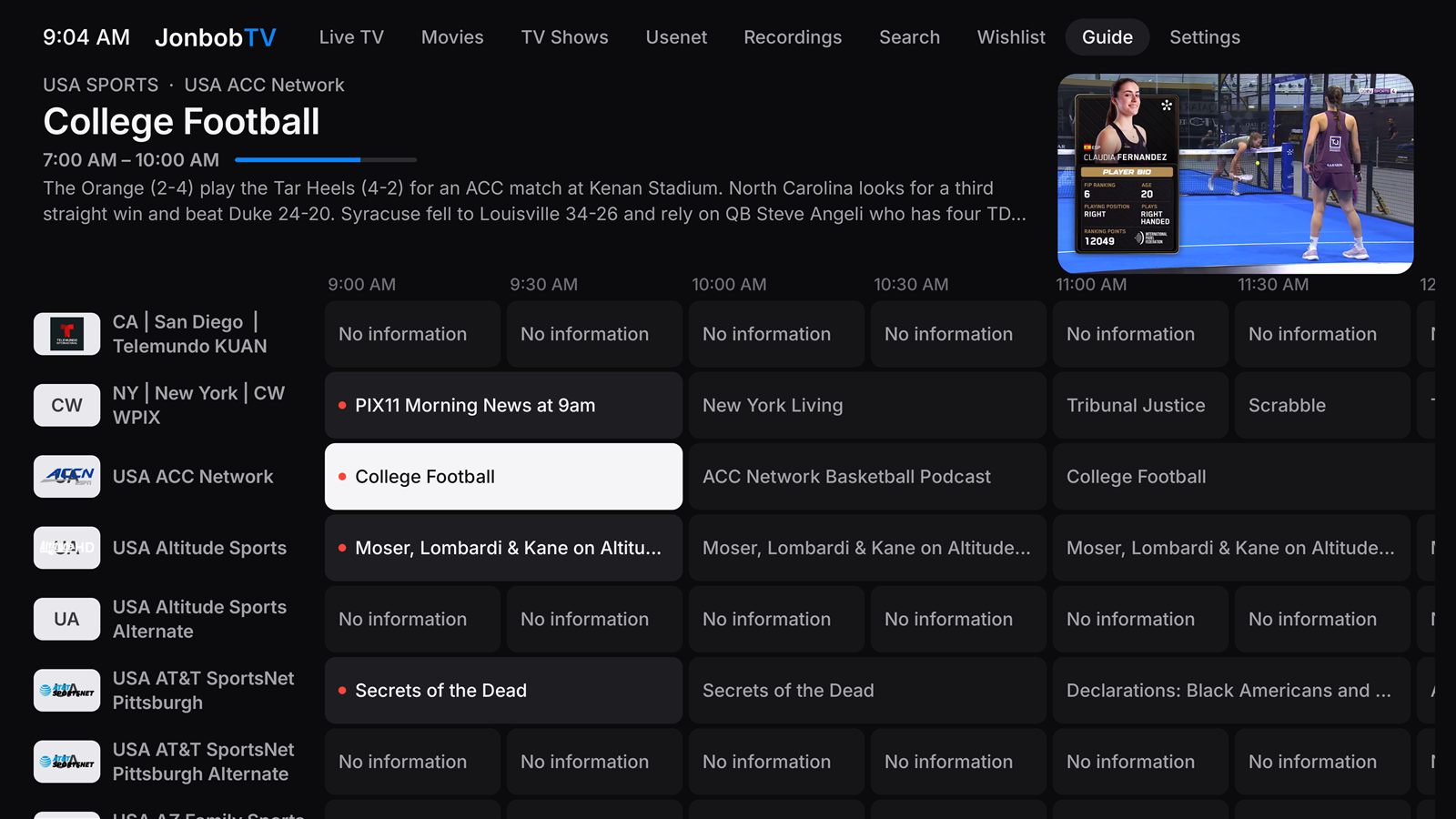
- Everything in one place: a see-through TV guide with a free backup guide, Multiview with four channels at once, Movies and TV Shows that resume, optional Usenet streaming, and search by typing or voice.
- Set up once, every TV in sync: copy your playlists, logins, categories, favorites and settings to another TV over your Wi-Fi with a 6-digit code, or keep the TVs in sync so a change on one reaches the other. Pick just the categories you watch for fast updates, then make it yours: closed captions on every channel, parental controls, remappable remote buttons, reorderable menus and up to 10 playlists, with a remote on Android TV, Shield and Fire TV or by touch on a phone.
Download
Install instructions
Step 1 · Turn on Developer Options
- Fire TV: go to Settings → My Fire TV → About, then click your device name (for example "Fire TV Stick 4K") 7 times, until it says you are a developer.
- NVIDIA Shield, Google TV and other Android TV devices: go to Settings → Device Preferences (or System) → About, then click Build (or Android TV OS build) 7 times.
- First install Downloader (by AFTVnews) from the device's app store: search for "Downloader" and choose Get or Install.
- Fire TV: go to Settings → My Fire TV → Developer Options → Install unknown apps, and turn Downloader On.
- Shield / Google TV / Android TV: go to Settings → Device Preferences → Security & restrictions → Unknown sources (or Apps → Special app access → Install unknown apps), and turn Downloader On.
Step 2 · Turn on "Install unknown apps" for Downloader
Step 3 · Download JonbobTV with Downloader
Leave a comment
Log in with itch.io to leave a comment.